This article covers the various user types and their activities surrounding Xpert Knowledge.
Content Creator
- The content creator runs SightCall agent console enabled with Xpert Knowledge to bootstrap the ‘Knowledge capture’ process.
- The agent console experience is covered in SightCall’s Agent Experience documentation - the session will have recording automatically on.
-
The guests and attendees of the session - experience is covered in SightCall’s Guest Experience documentations
- The content creator also need to accessing Xpert Knowledge Library to edit or submit the content for review / publication. The Library can be accessed in two ways:
-
The agent console there’s a Xpert Knowledge button at the upper right. (example in 'classic' mode)
-
Login URL: ai-portal.sightcall.com/login (or ai-portal-us.sightcall.com/login for tenants in US region) - at the time of initial release (2025 July) this only supports username / password login (not SSO / integrated systems authentication
-
Content Manager
- The Content Manager accesses Xpert Knowledge Library to edit / review the submitted the content. The Library can be accessed in two ways:
-
Login URL: ai-portal.sightcall.com/login (or ai-portal-us.sightcall.com/login for tenants in US region) - at the time of initial release (2025 July) this only supports username / password login (not SSO / integrated systems authentication) - please toggle the ‘admin’ switch.
-
The SightCall admin portal: admin.sightcall.com (or admin-us.sightcall.com for tenants in US) - once logged in, there’s a button at the left panel for Xpert Knowledge Library.
-
- Content manager role is critical to ensure only quality content gets published - we recommend you to fully review and understand the Content Flow of Xpert Knowledge content.
- Content Manager can also open public access to any published tutorial content
- Open the access to a single tutorial with the "Create live tutorial page" button:
- Once published, there will be a top banner on the tutorial
- Open the access to a single tutorial with the "Create live tutorial page" button:
Content Consumer
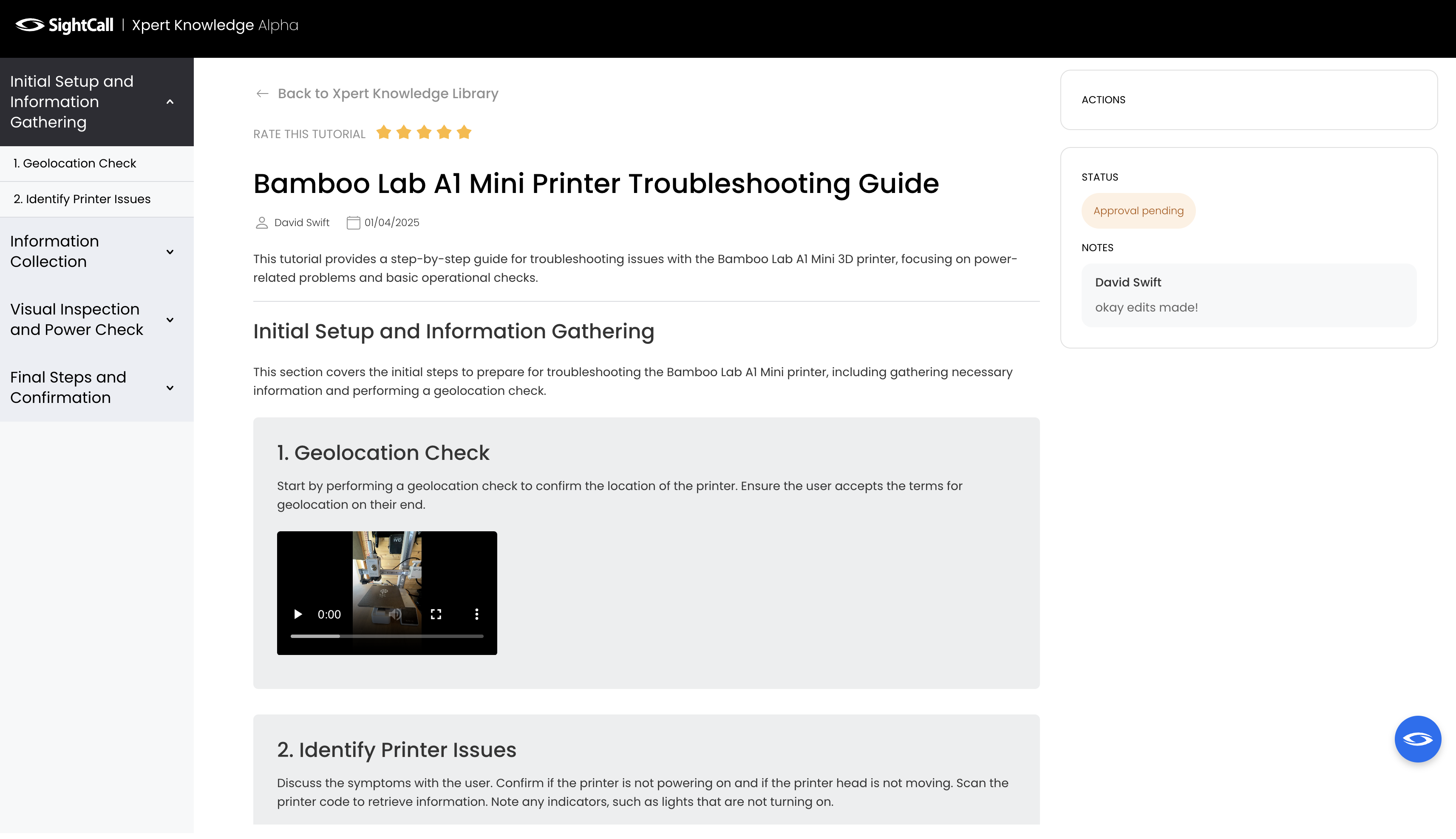
When a tutorial has a 'live' page shared by the Content Manager, the Content Consumer is provided with the link to access it.
The content Consumer can review and rate the content.
Content flow
The key value of the Xpert Knowledge as a product is the Knowledge content. So let’s look at the flow of the content:
- 🎥 Knowledge content creation
- Content creator run SightCall sessions that’s set up with Xpert Knowledge
- Xpert Knowledge renders the recording into Tutorial in draft state. This is shown as a ‘draft card’ in Xpert Knowledge Library
- Content Creator can edit the draft, then submit for approval. (The content manager has the power to perform this step on behalf of the content creator also, in the case where the content creator is unavailable to submit for approval for any reasons)
- 🔁 Content Review
- Once submitted for approval the content will show up as ‘pending approval’ state for Content Manager’s review. (it will also send an email notification to cotnent managers on the tenant)
- The content manager has a few options after review:
- add rework comments and send back to Content Creator; OR,
- approve the content to publish it.
- ⏪ Unpublishing
- If a published content is published by mistake - e.g. additional modifications needed - the Content Manager can revert a published content back to draft